light TESLA MODEL X 2019 Owner's Guide
[x] Cancel search | Manufacturer: TESLA, Model Year: 2019, Model line: MODEL X, Model: TESLA MODEL X 2019Pages: 224, PDF Size: 5.17 MB
Page 165 of 224
Charging Instructions
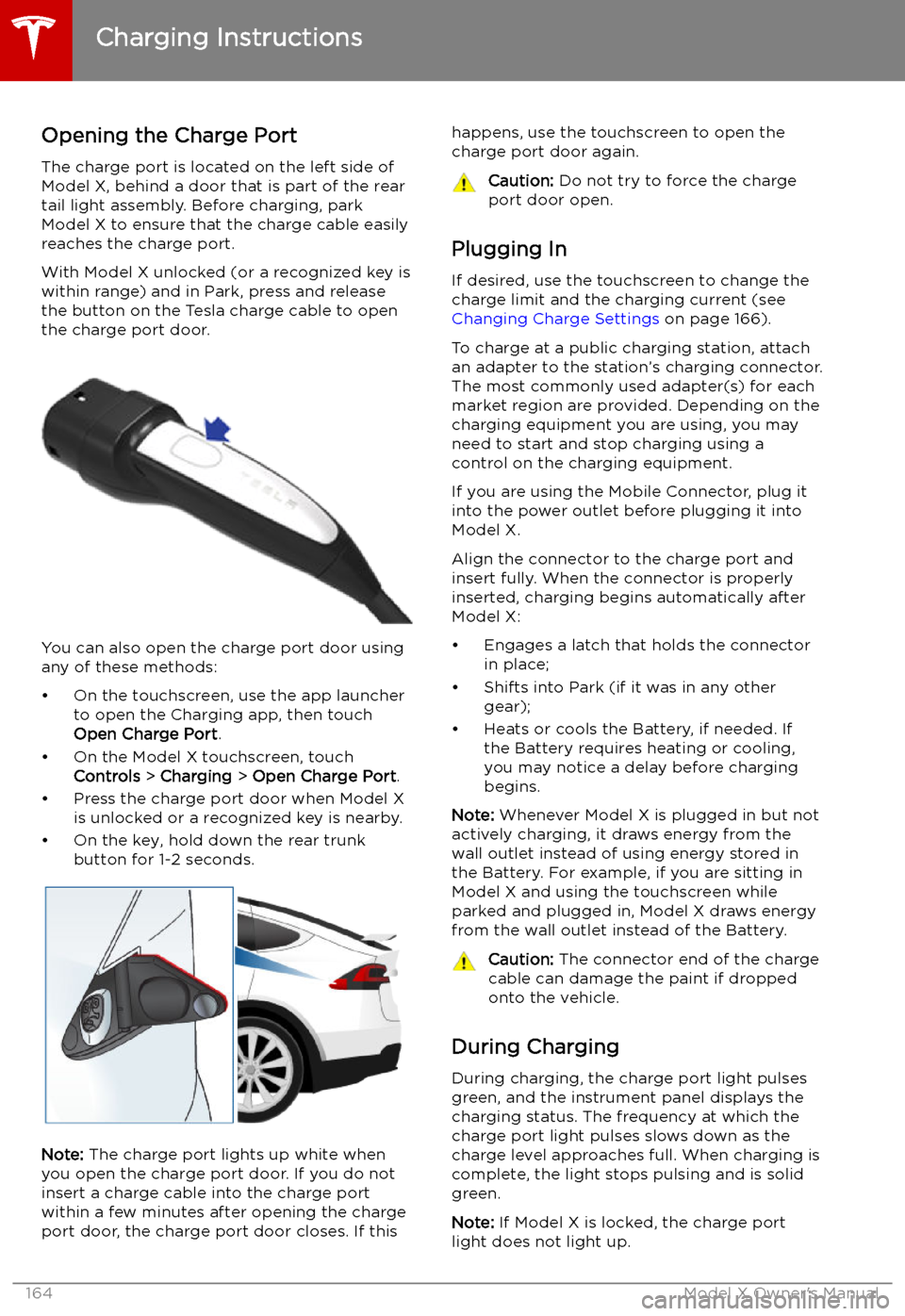
Opening the Charge Port The charge port is located on the left side of
Model X, behind a door that is part of the rear
tail light assembly. Before charging, park
Model X to ensure that the charge cable easily reaches the charge port.
With Model X unlocked (or a recognized key is
within range) and in Park, press and release
the button on the Tesla charge cable to open the charge port door.
You can also open the charge port door using
any of these methods:
Page 166 of 224
If the charge port light turns red while
charging, a fault is detected. Check the instrument panel or touchscreen for a
message describing the fault. A fault can
occur due to something as common as a power outage. If a power outage occurs,
charging resumes automatically when power
is restored.
Note: When charging, particularly at high
currents, the refrigerant compressor and fan
operate as needed to keep the Battery cool.
Therefore, it is normal to hear sounds during charging.
Note: Air conditioning performance is
generally not affected by charging. However,
under certain circumstances (for example, you
are charging at high currents during a
particularly warm day), the air coming from
the vents may not be as cool as expected and
a message displays on the instrument panel.
This is normal behavior and ensures that the Battery stays within an optimum temperature
range while charging to support longevity and
optimum performance.Warning: Never spray liquid at a high
velocity (for example, if using a pressure
washer) towards the charge port while
charging. Failure to follow these
instructions can result in serious injury or
damage to the vehicle, charging
equipment, or property.
Stopping Charging
Stop charging at any time by disconnecting
the charge cable or touching Stop Charging
on the touchscreen.
Note: To prevent unauthorized unplugging of
the charge cable, the charge cable latch remains locked and Model X must be unlockedor able to recognize your key before you can
disconnect the charge cable.
To disconnect the charge cable:
1. Press and hold the button on the
connector handle to release the latch.
Alternatively, unlock the vehicle by
opening a door, using a key fob, or
touching Stop Charging on the
touchscreen. These methods unlock the
charge port as well.
2. Pull the connector from the charge port.
3. Push the charge port door closed.
Note: If Model X is equipped with a motorized
charge port door, it automatically closes shortly after you remove the charge cable.
Caution: Tesla strongly recommends
leaving Model X plugged in when not in use. This maintains the Battery at the
optimum level of charge.
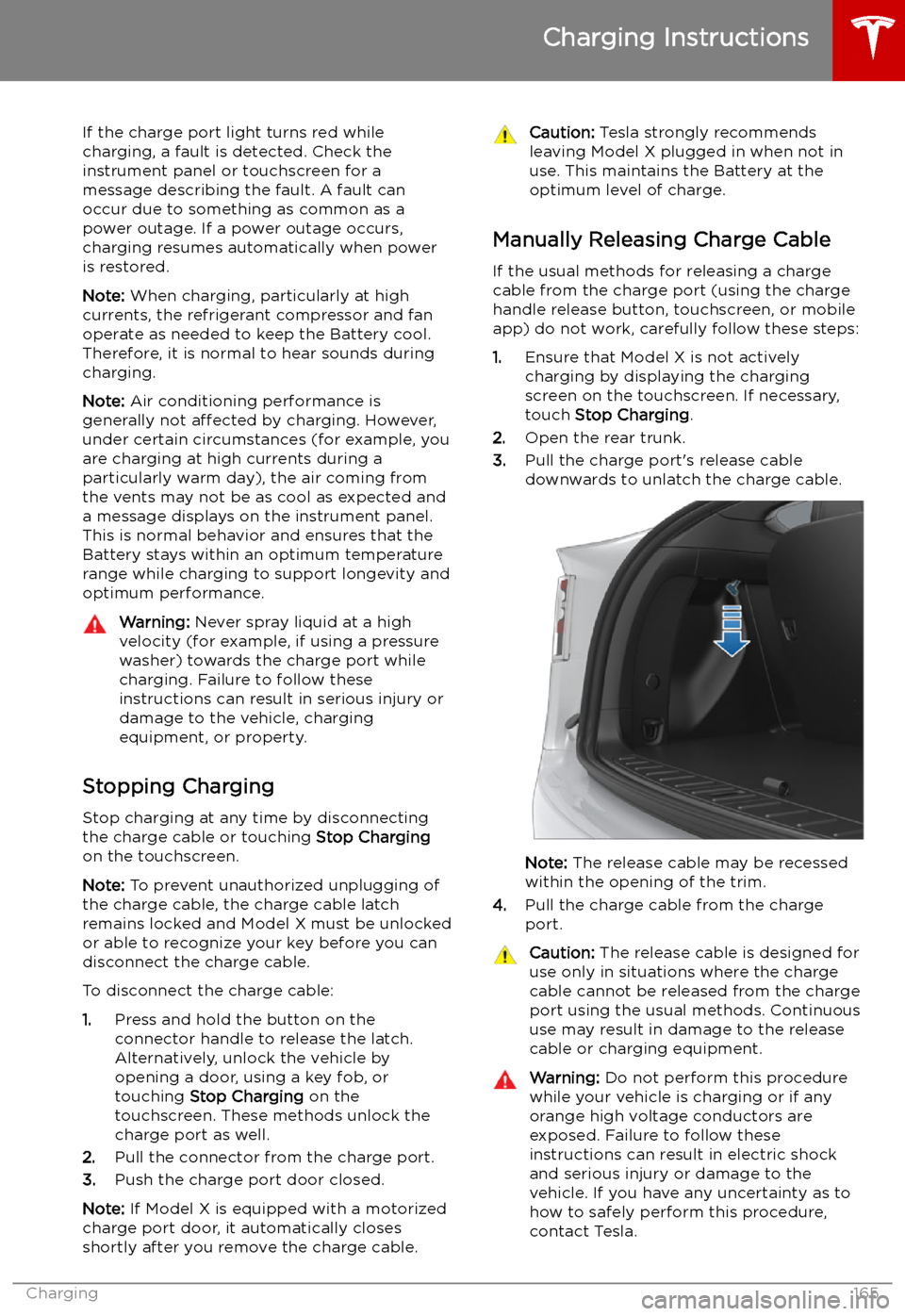
Manually Releasing Charge Cable
If the usual methods for releasing a charge
cable from the charge port (using the charge
handle release button, touchscreen, or mobile
app) do not work, carefully follow these steps:
1. Ensure that Model X is not actively
charging by displaying the charging
screen on the touchscreen. If necessary,
touch Stop Charging .
2. Open the rear trunk.
3. Pull the charge port
Page 167 of 224

Warning: Do not attempt to remove the
charge cable at the same exact time as
you begin to pull the release cable.
Always pull the release cable down and
hold it before you begin to remove the
charge cable from the charge port.
Failure to follow these instructions can
result in electric shock and serious injury.
Charge Port Light
Page 169 of 224

Charging Status
The following illustration is provided for demonstration purposes only and may vary slightly
depending on the software version and market region.
1. Charging status information. For example, when Model X is charging, it displays the time
remaining until fully charged at the currently selected charge level. When a charging session is
scheduled, it displays when charging starts.
2. Total estimated driving distance (or energy) available. To choose between displaying distance
or energy percentage, touch Controls > Display > Energy Display .
Note: A portion of the battery image may appear blue. This indicates that a small portion of
the energy stored in the battery is not available because the battery is cold. This is normal and
no reason for concern. When the battery warms up, the blue portion no longer displays.
3. Charging rate per hour.
4. Estimated increase in driving distance (or energy) achieved so far in this charging session.
5. Current supplied/available from the connected power supply (see Changing Charge Settings
on page 166).
If connected to a 3-phase power supply (if applicable in your region), the
available current represents the current per phase and the 3-phase symbol
displays.
6. Voltage supplied by the charge cable.
Note: If Model X is charging and detects unexpected
Page 206 of 224

Disable the Self-Leveling AirSuspension System
If Model X is equipped with the air suspension
system, it automatically self-levels, even when
power is off. To prevent damage, you must
activate Jack Mode to disable self-leveling:
1. Touch Controls > Suspension on the
touchscreen.
2. Press the brake pedal, then touch Very
High to maximize height.
3. Touch Jack.When Jack Mode is active, Model X
displays this red indicator light on
the instrument panel, along with a
message telling you that active
suspension is disabled.
Note: Jack Mode cancels when driving speed
exceeds 7 kph.
Warning: Failure to activate Jack Mode on
a vehicle equipped with the air
suspension system can result in the
vehicle becoming loose during transport,
which may cause significant damage.
Activate Transport Mode
Transport Mode keeps the parking brake
disengaged while winching Model X onto a
Page 218 of 224

Index
A ABS (Anti-lock Braking System) 72
absolute speed limit 122
Acceleration settings 79
access panel, removing 183
accessoriesplugging into power socket 22
accessory carrier 87
adaptive headlights 63
Adaptive Suspension Damping 150
air circulation 136
air conditioning 134
air distribution 136
air filter 139
air suspension 150
air vents 139
airbag, front passenger, disabling 47
airbags 45
alarm 153
all-season tires 177
always connected, setting 82
Always Show Estimated Round Trip Energy 143
anti-lock braking (ABS) 72
audioplaying files 145
steering wheel buttons 53
volume control 145
Auto High Beam 63
Auto Lane Change 108
auto-raising suspension 150
automatic emergency braking 120
Autopark 113
autopilotblind spot warning 117
side collision warning 117
staying inside lane markings 117AutopilotAuto Lane Change 108
automatic emergency braking 119
Autopark 113
Autosteer 106
collision avoidance assist 119
forward collision warning 119
Navigate on Autopilot 109
overtake acceleration 100
overview 97
speed assist 122
speed limit warning 122
staying within speed limits 122
Summon 115
Traffic-Aware Cruise Control 100
Autopilot components 97
Autosteer 106
average range 82
B
backup camera 84battery (12V)complete discharge 162
specifications 196Battery (high voltage)care of 162
coolant 183
specifications 196
temperature limits 162
battery (key), replacing 10
bicycle carrier 87
blind spot warning 117
blind spot warning chime 117
Bluetoothdevices, playing audio files from 147
general information 148
phone, pairing and using 148
body repairs 186
body touch up 181
brakesautomatic in emergencies 120
Page 219 of 224

charging locations, finding 142child protectiondisabling rear window switches 17child seatsdisabling front passenger airbag 47
installing and using 35child-protectiondisabling liftgate and rear door handles
15
Chill acceleration 79
cleaning 179
climate controls 134
collision avoidance assist 119
connecting to Wi-Fi 157
console12V power socket 22
cup holders 24
USB ports 22
consumption chart 82
contact informationroadside assistance 201
copyrights 209
cruise control 100
cup holders 24
D DAB radio 146
dashboard overview 2
Dashcam 85
data recording 210
data sharing 210
declarations of conformity 212
delivery mileage 210
devicesBluetooth, playing audio files 147
connecting 22
playing audio files from 147
dimensions 191
Dog Mode 138
dome (map) lights 61
door labels 188
Door Unlock Mode 15
doors 9
doors, opening 9
drive away locking 15
Drive gear 60
driverprofiles 50
seat adjustment 26drivingseating position 26
starting 58
tips to maximize range 82E
Easter Eggs 207
Easy Entry 29
easy entry, driver profile 50
electric parking brake 73
emergency braking 119
emergency